
Best Seller Icon Bestseller

Certificate In MS Excel & Tally Prime with GST(M-ME&TPWG-3232)

  • Last updated Feb, 2026
  • Certified Course

Course Includes

  • Duration4 Months
  • Enrolled0
  • Lectures110
  • Videos0
  • Notes0
  • CertificateYes

What you'll learn

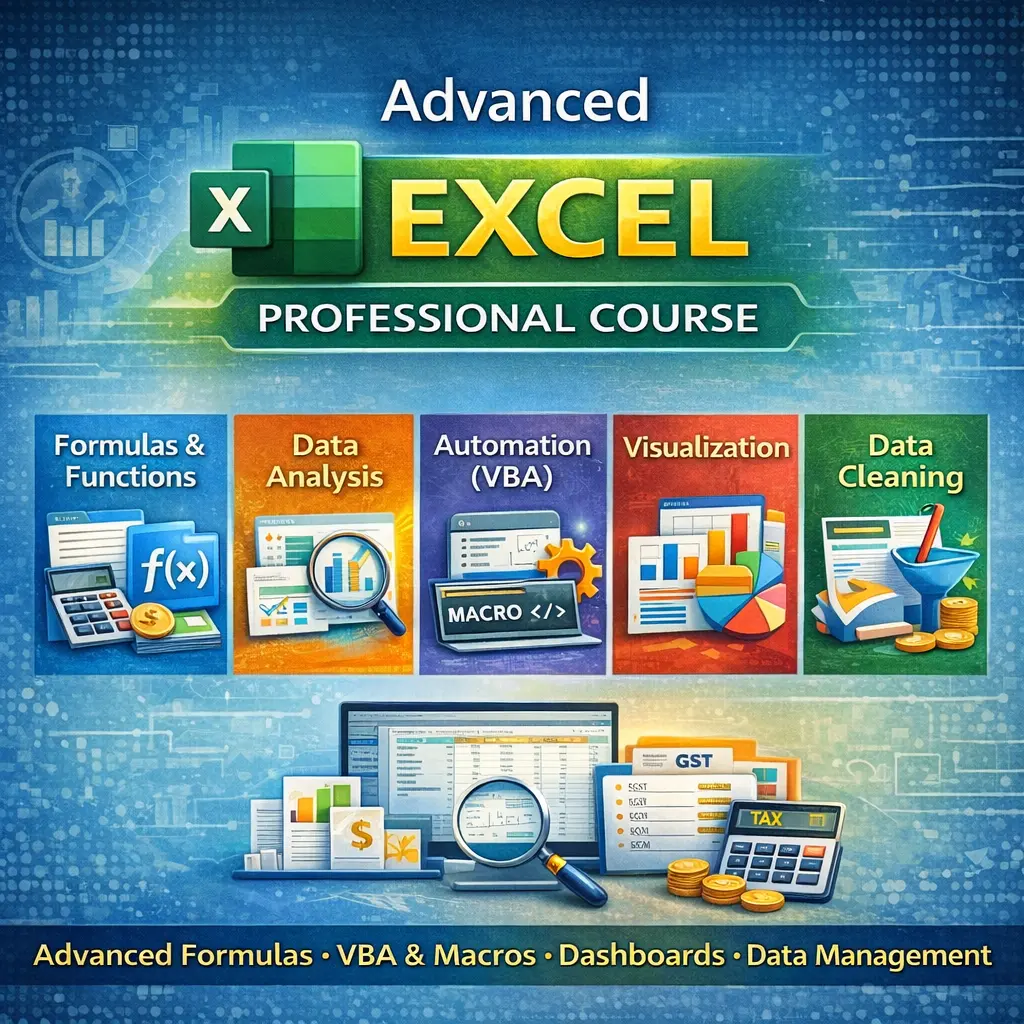
Learning MS Excel and Tally Prime with GST is essential for anyone who wants to build a career in accounting, finance, or office administration. MS Excel is a powerful spreadsheet software used to organize, calculate, and analyze data efficiently. In Excel, you learn how to enter and format data, use formulas like SUM, IF, and VLOOKUP, create salary sheets, invoices, and GST calculation sheets, and generate reports using Pivot Tables and filters. These skills help you manage financial records, prepare reports, and improve productivity in any business environment.

Tally Prime with GST, developed by Tally Solutions Pvt Ltd, is one of the most widely used accounting software programs in India. It is used to record daily business transactions such as purchases, sales, payments, and receipts. With GST enabled in Tally Prime, you can create GST-compliant invoices, maintain GST ledgers, and generate GST reports such as GSTR-1 and GSTR-3B. Learning Tally Prime helps you understand real-world accounting processes, taxation, and financial management. After gaining knowledge of both MS Excel and Tally Prime with GST, you become job-ready for roles such as Accountant, Tally Operator, GST Executive, or Billing Executive, with good career growth opportunities.

Show More

Course Syllabus

1. Introduction to MS Excel

  • Excel Interface (Ribbon, Tabs, Rows, Columns, Worksheets)
  • Creating, Opening, Saving, and Closing Workbook
  • Data Entry and Editing
  • Formatting Cells, Fonts, Borders, and Alignment

2. Basic Formulas and Functions

  • SUM, AVERAGE, COUNT, MIN, MAX
  • Percentage Calculation
  • AutoSum Feature
  • Relative and Absolute Cell Reference

3. Advanced Functions

  • IF Function
  • VLOOKUP and HLOOKUP
  • XLOOKUP
  • CONCAT and TEXT Functions

4. Data Management Tools

  • Sort and Filter
  • Data Validation
  • Remove Duplicates
  • Conditional Formatting

5. Reporting and Analysis

  • Creating Tables
  • Pivot Table and Pivot Chart
  • Creating Charts (Bar, Column, Pie, Line)
  • Page Setup and Printing

6. Practical Assignments

  • Salary Sheet Preparation
  • GST Calculation Sheet
  • Invoice Preparation
  • Expense and Income Report

Tally Prime with GST Syllabus

Tally Prime is an accounting software developed by Tally Solutions Pvt Ltd and is used for business accounting and GST compliance.

1. Introduction to Tally Prime

  • Features of Tally Prime
  • Company Creation, Alteration, and Deletion
  • Company Information

2. Accounting Masters

  • Groups Creation and Alteration
  • Ledger Creation and Alteration
  • Chart of Accounts

3. Voucher Entry

  • Payment Voucher
  • Receipt Voucher
  • Purchase Voucher
  • Sales Voucher
  • Contra Voucher
  • Journal Voucher

4. Inventory Management

  • Stock Group Creation
  • Stock Item Creation
  • Units of Measurement
  • Inventory Voucher Entry

5. GST in Tally Prime

  • Enabling GST
  • GST Ledger Creation
  • GST Purchase Entry
  • GST Sales Entry
  • CGST, SGST, IGST Transactions

6. GST Reports and Returns

  • GST Reports Viewing
  • GSTR-1 Report
  • GSTR-3B Report
  • GST Summary

7. Banking and Reports

  • Bank Entry and Reconciliation
  • Balance Sheet
  • Profit and Loss Account
  • Trial Balance

8. Practical Training

  • Complete Accounting Cycle
  • Purchase and Sales with GST
  • Expense Entry
  • GST Invoice Creation


Review

0.0
Course Rating (0 reviews)
0%
0%
0%
0%
0%


Call
Text Message
Review
Email
CHAT